Available on the App Store

Clean your photos.
One swipe at a time.

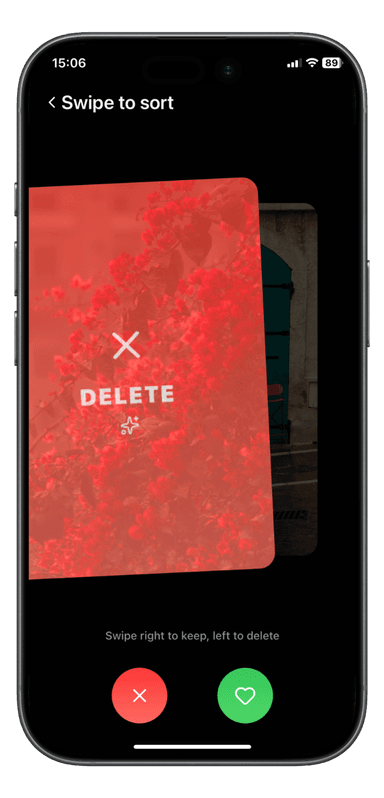
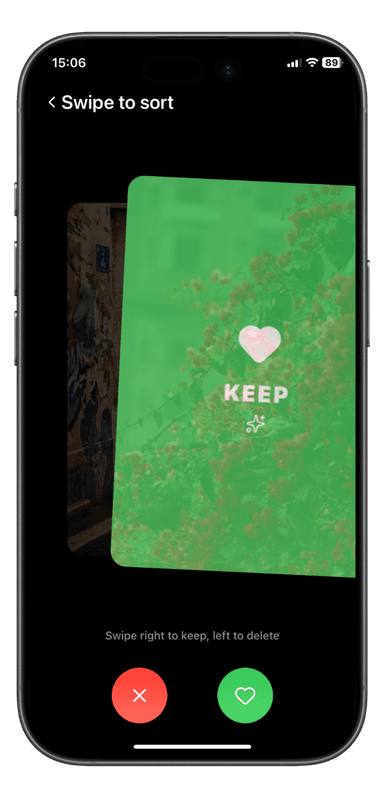
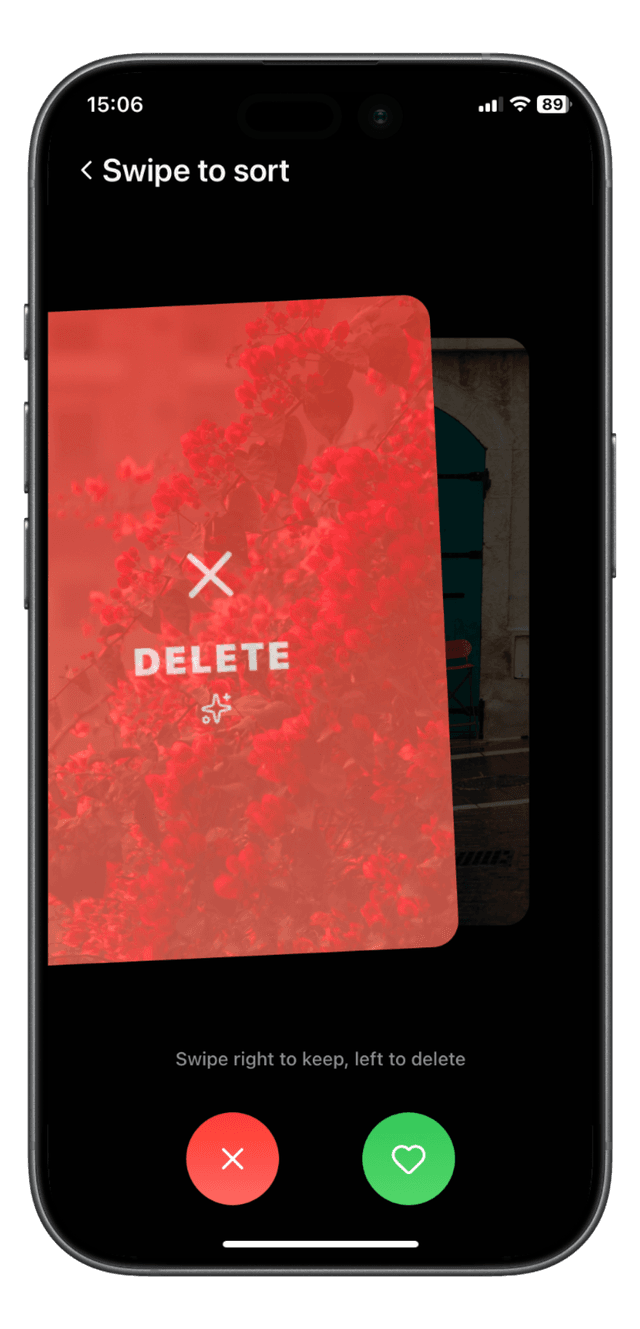
Stop scrolling through thousands of blurry shots and duplicates. Swipe left to delete, swipe right to keep, it's that simple.

Get Nimo Cleaner FreeiOS only · Free to download · In-App Purchases available
Phone Mockup
2s
Per photo decision
3
Scan modes
0%
Quality loss
Core Feature

The fastest way to clean your gallery

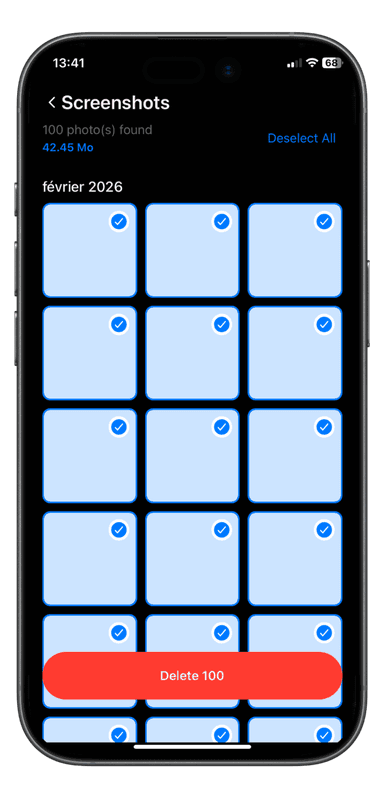
Inspired by the simplicity of swipe-based apps, Nimo Cleaner turns photo cleanup into an effortless habit. No checkbox grids. No confusing menus. Just swipe and you're done.

  • Swipe left to instantly delete a photo
  • Swipe right to keep your precious memories
  • Review one photo at a time, zero cognitive overload
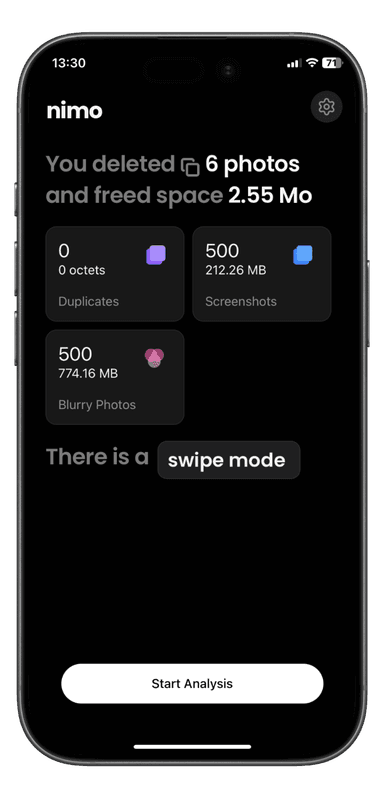
  • See your freed storage update in real-time as you go
✕ Delete
♡ Keep
What it detects

Everything cluttering
your storage

📸

Blurry Photos

Automatically spots out-of-focus shots you'll never look at again. Gone in one swipe.

🔁

Duplicates

Finds identical or near-identical photos and surfaces them for quick review, keep the best, delete the rest.

🖥

Screenshots

That QR code you scanned 8 months ago? Detected and queued for deletion automatically.

📊

Real-Time Stats

Watch your freed space grow as you swipe. Every deletion is instantly counted.

Quick & Deep Scan

Choose a fast surface scan or a deep V4 scan for thorough detection across your entire library.

🛡

Zero Quality Loss

Only removes what you approve. Your original photos are never touched without your swipe.
How it works

Clean in 3 steps

No setup. No complicated settings. Just open the app and start swiping.

1

Scan your library

Choose Quick Scan or Deep Scan. Nimo instantly detects blurry photos, duplicates & screenshots.

2

Swipe to decide

Photos appear one by one. Swipe left to delete, right to keep. Takes less than 2 seconds each.

3

Watch space free up

See your freed storage grow in real time. Clean up gigabytes in just a few minutes.

See it in action

A glance inside Nimo

Clean, minimal interface designed to get out of your way and let you focus on what matters.

ScreenshotScreenshotScreenshotScreenshotScreenshotScreenshotScreenshotScreenshotScreenshotScreenshotScreenshotScreenshot

✦ Hover or press to pause · Screenshots are app UI mockups

Ready?

Your gallery deserves
a fresh start.

Download Nimo Cleaner for free and reclaim your storage, starting today.

Get Nimo Cleaner Free

iOS 15.1+ · iPhone & iPad · Free with optional subscription